Connect existing equipment
Bring data from machines, meters and sensors together, with interfaces suited to the equipment at your site.
IoTNow Sitehub
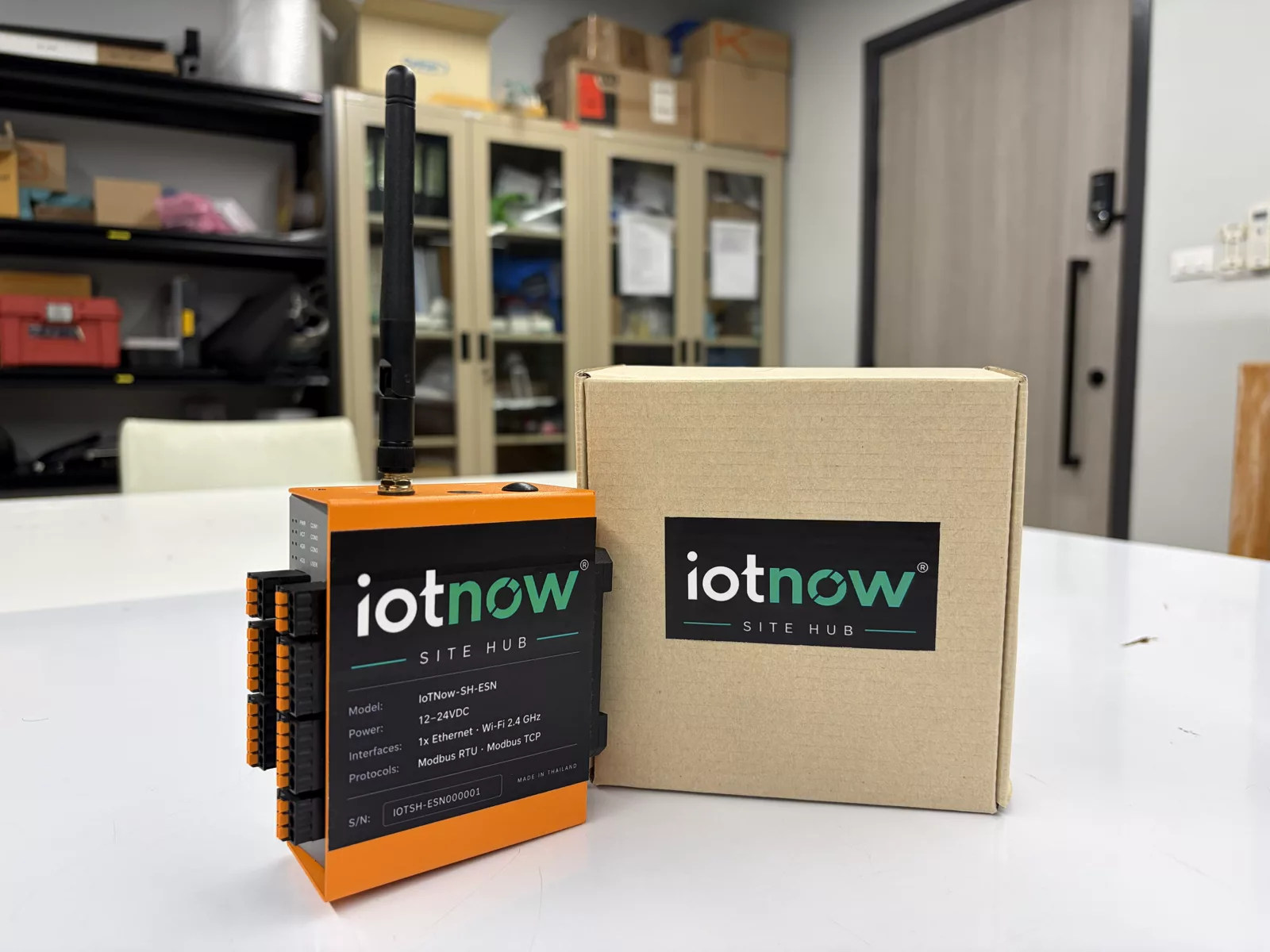
A compact industrial computer with IoT software built in. Collect data from machines, meters and sensors for data acquisition and automation.
Industrial connectivity. Built around your site.
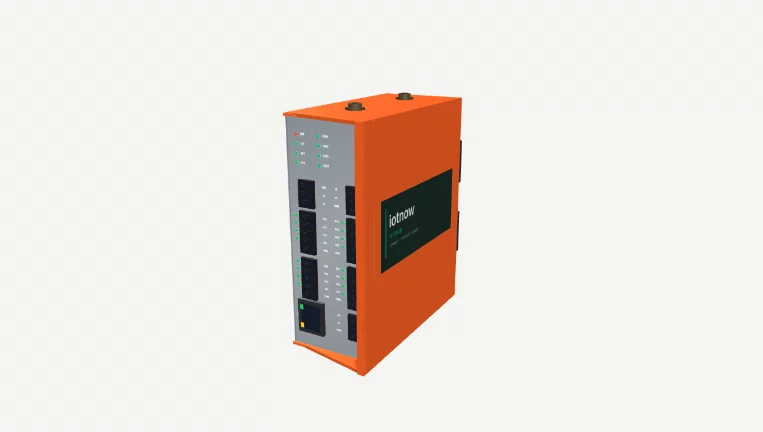 Static view · See connectivity and specifications below

Illustrative device dimensions · 105 × 86 × 42 mm
Illustrative GPIO and I/O connections. Visible port labels are clickable in the 3D canvas; rotate to the underside for power and COM2/3.
Hardware for the connection. Software for your workflow.
Our experience designing and installing IoT systems shapes Sitehub around the needs of the people who work with equipment every day.
Bring data from machines, meters and sensors together, with interfaces suited to the equipment at your site.
Configure the system remotely through the cloud to help reduce trips to the site.
Access the Local Web HMI over the local network even when the internet connection is unavailable.
CONNECTIVITY
Choose the interface to suit your devices and project configuration.
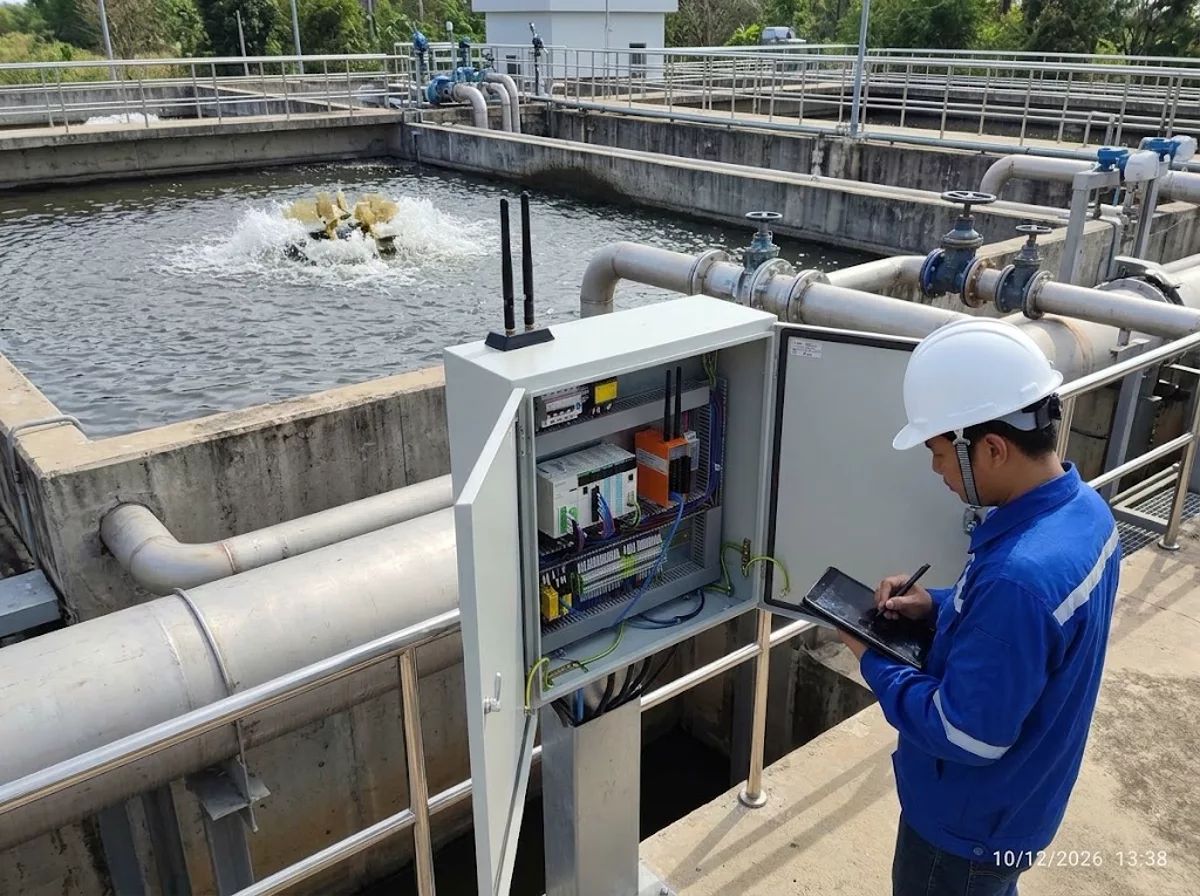
Equipment, installation and the people behind the connection.
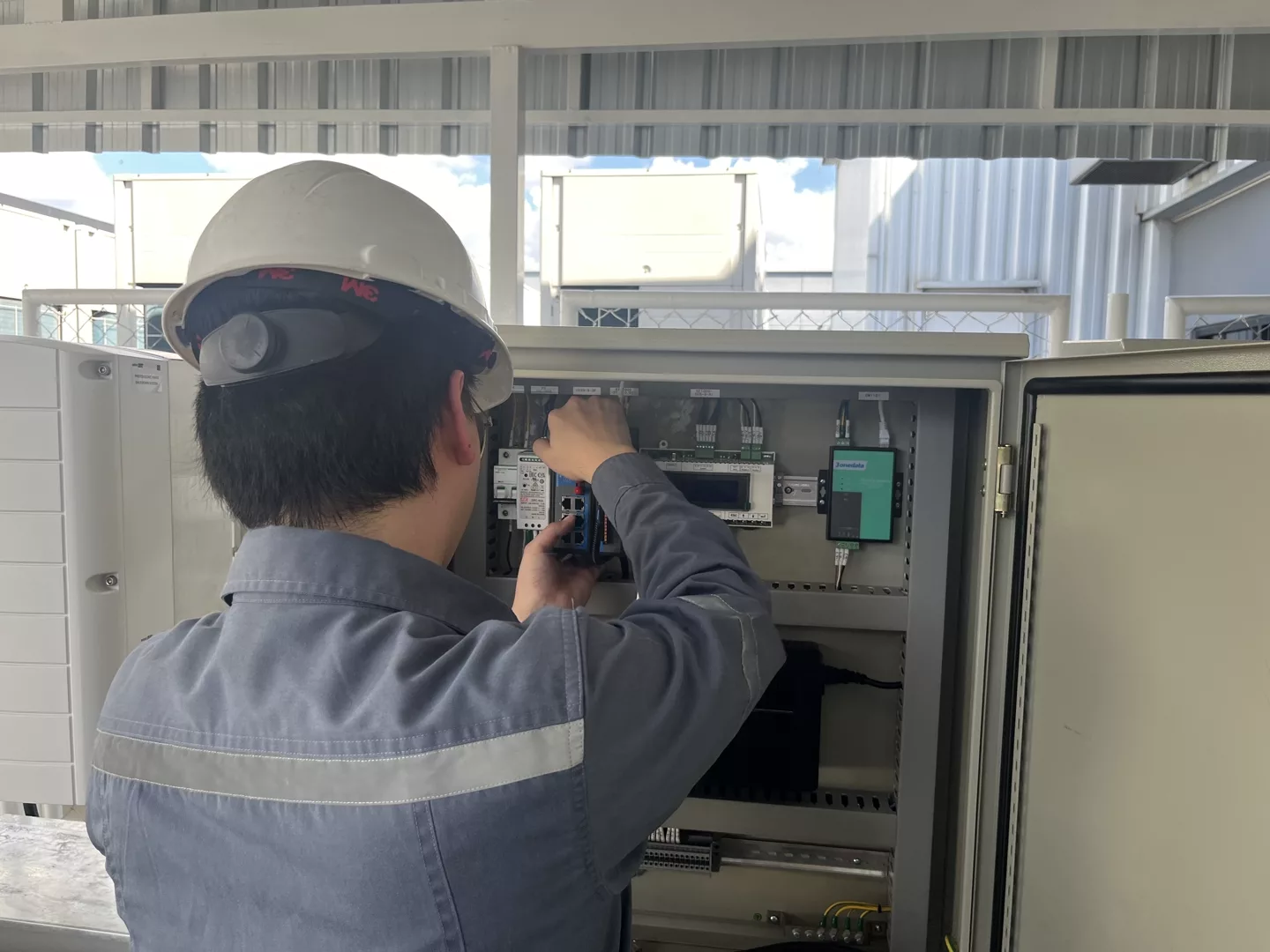
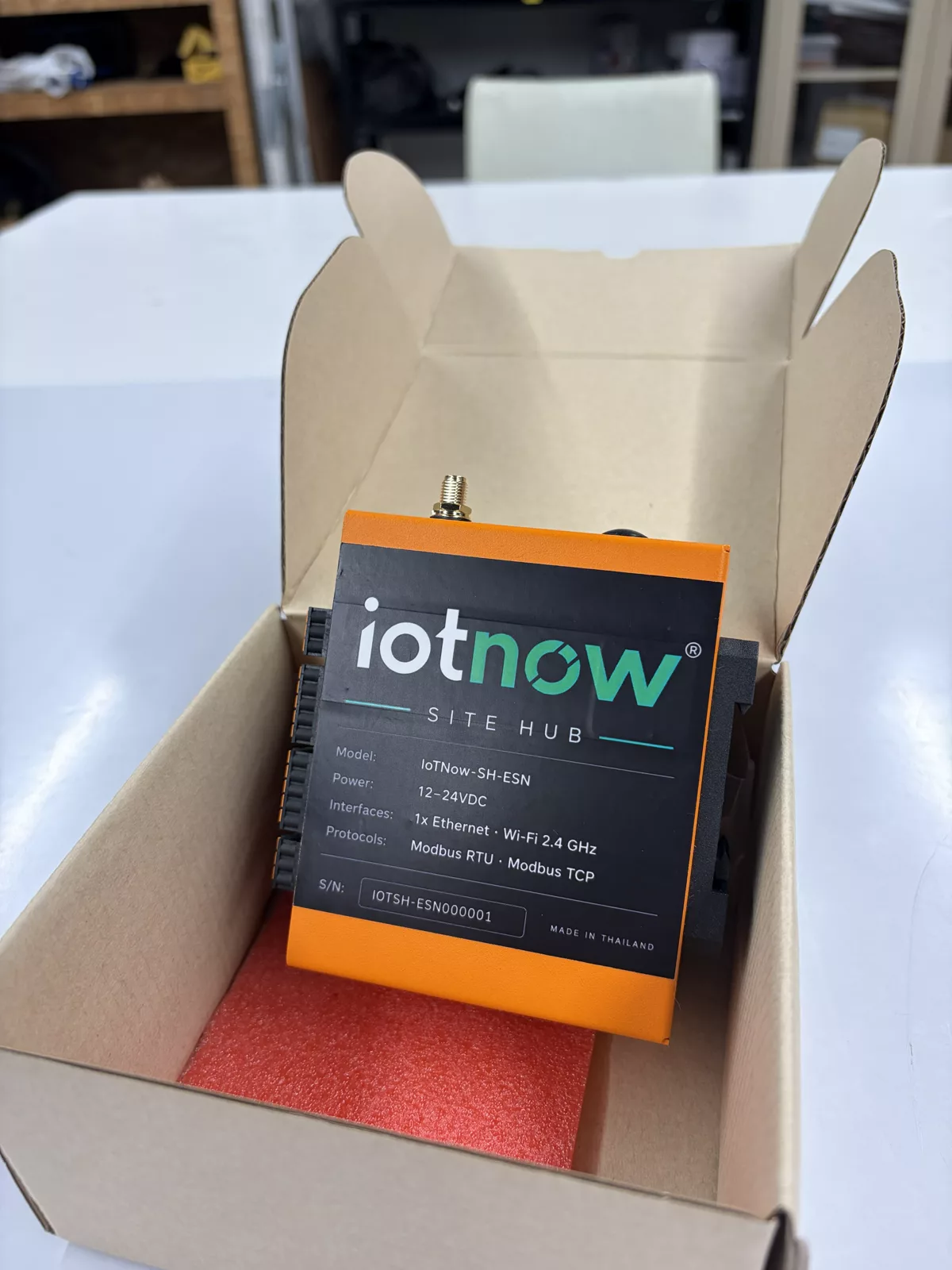
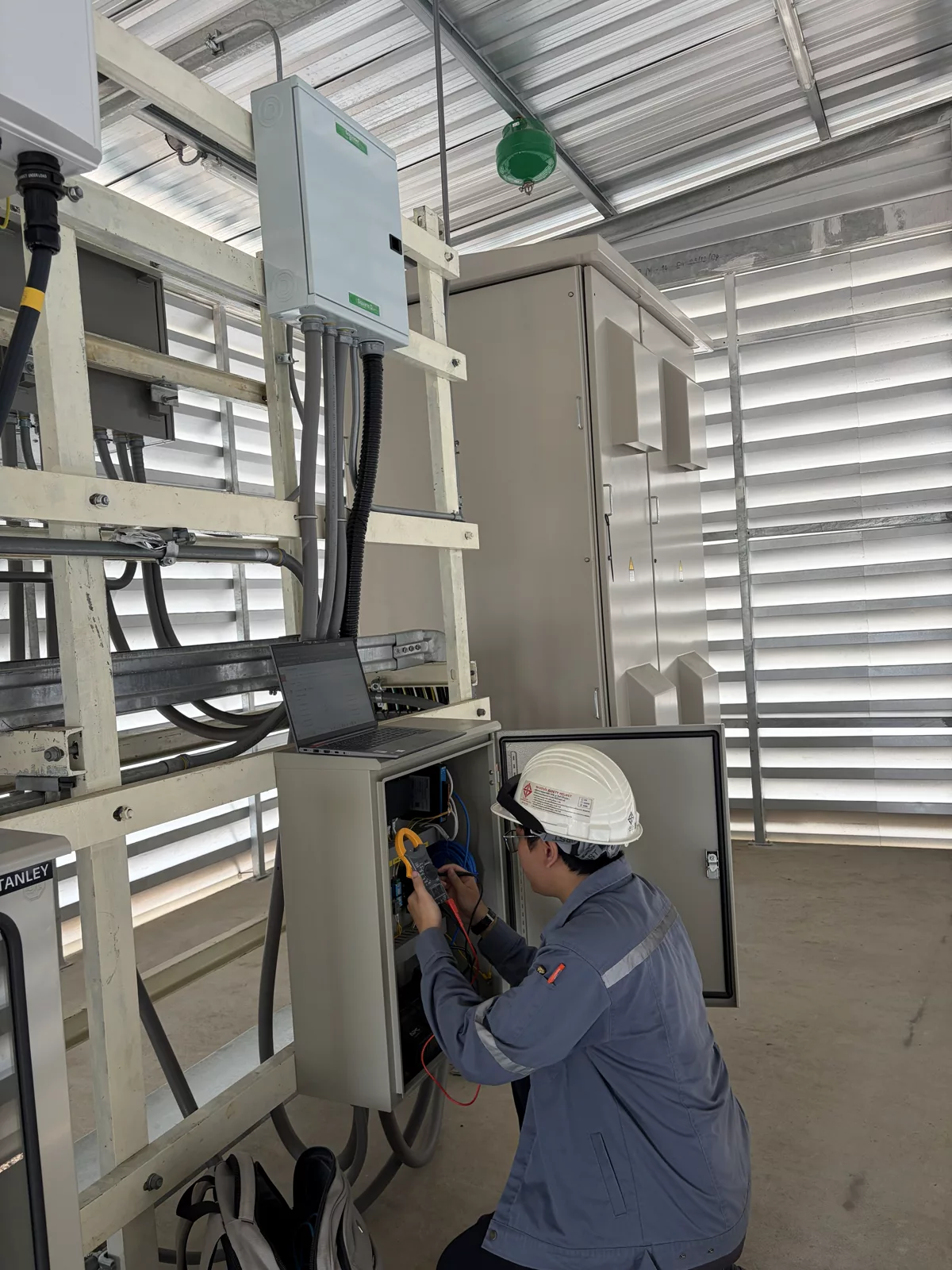
FROM INSTALLATION TO USE
Start with your existing equipment, verify the data on site, and connect it to the systems your team uses.
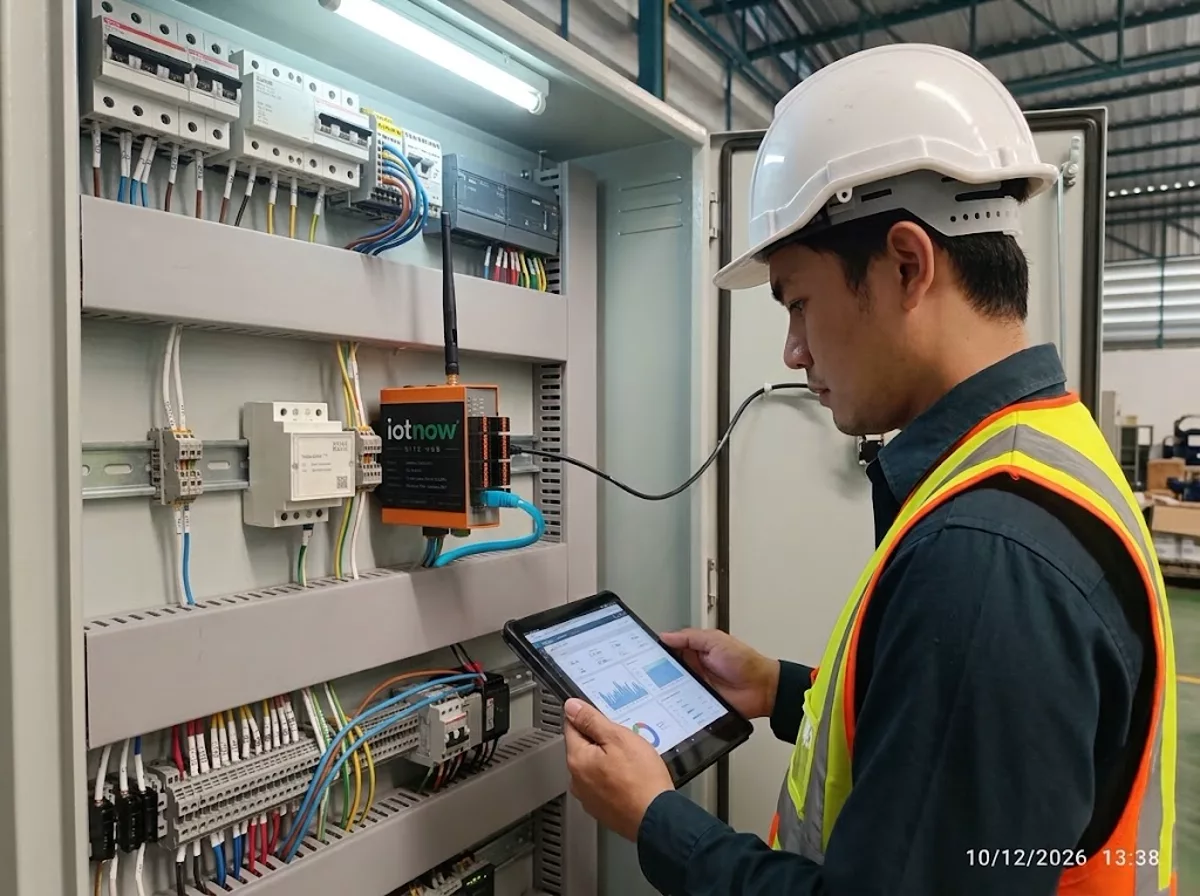
Check the equipment and communication interfaces, then install Sitehub in the control cabinet and connect the devices.
Detect supported devices and select a matching profile or template where available. Confirm compatibility for your equipment.
Check the readings on the Local Dashboard over the site network and verify them against the equipment.
Configure cloud delivery and remote gateway configuration for the project. An internet connection is required.
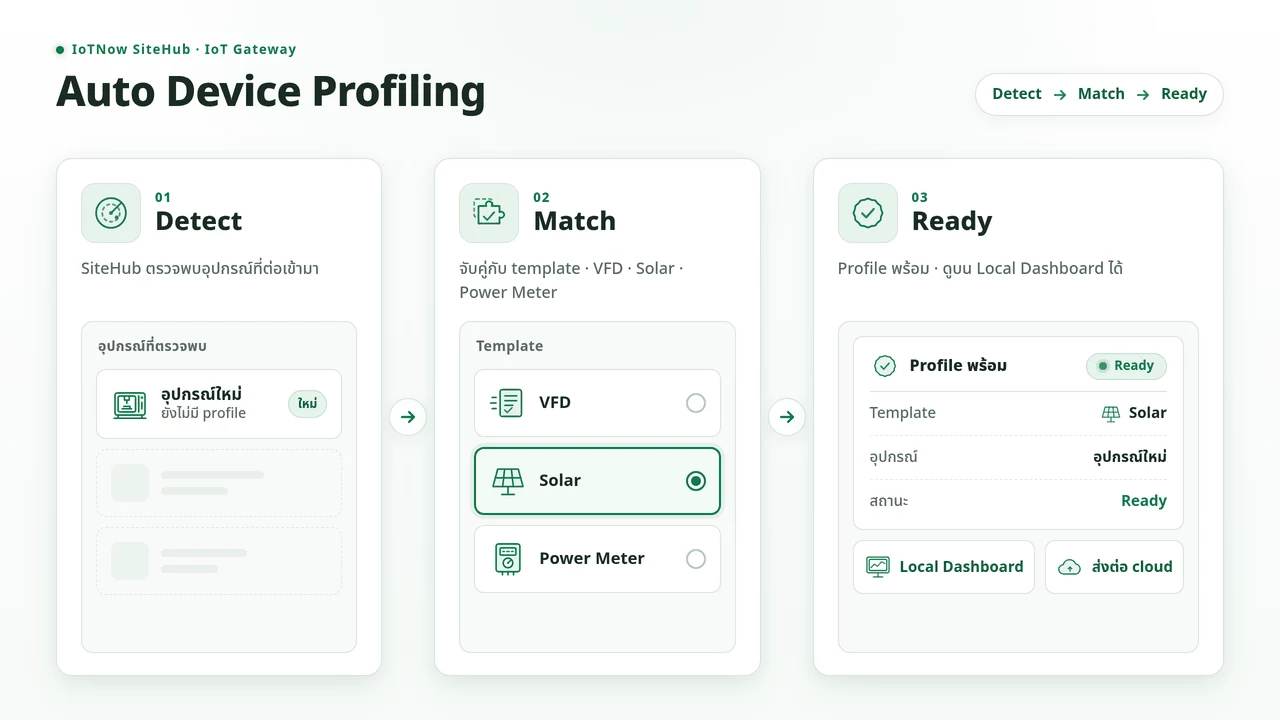
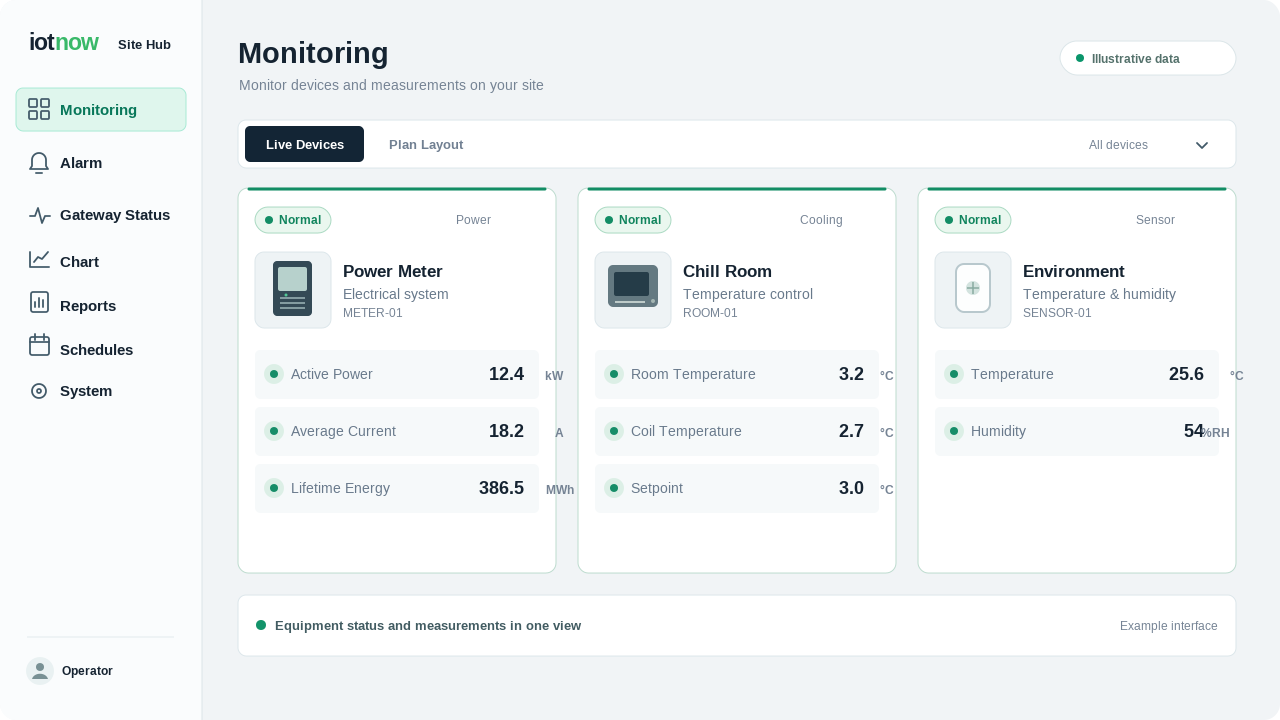
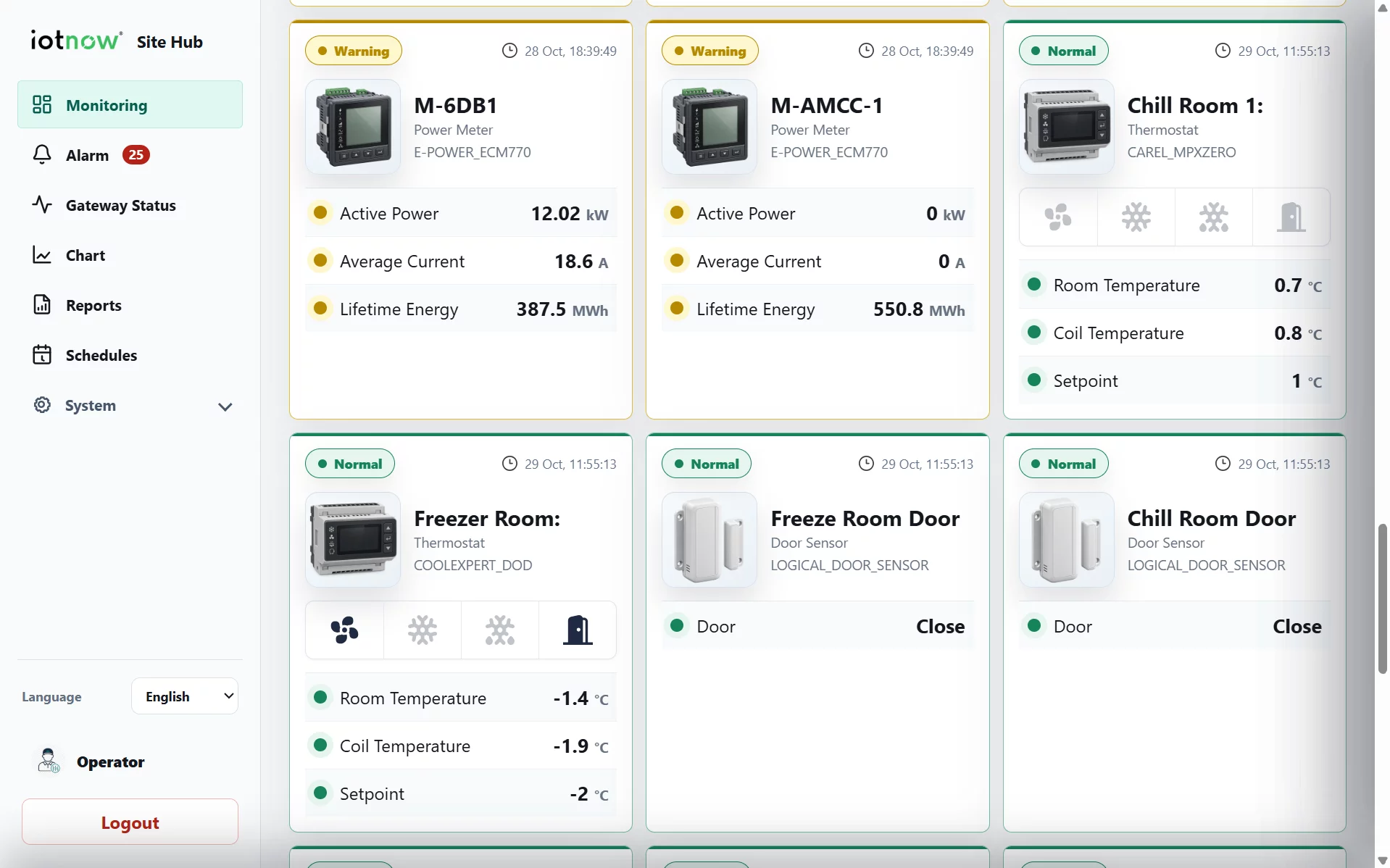
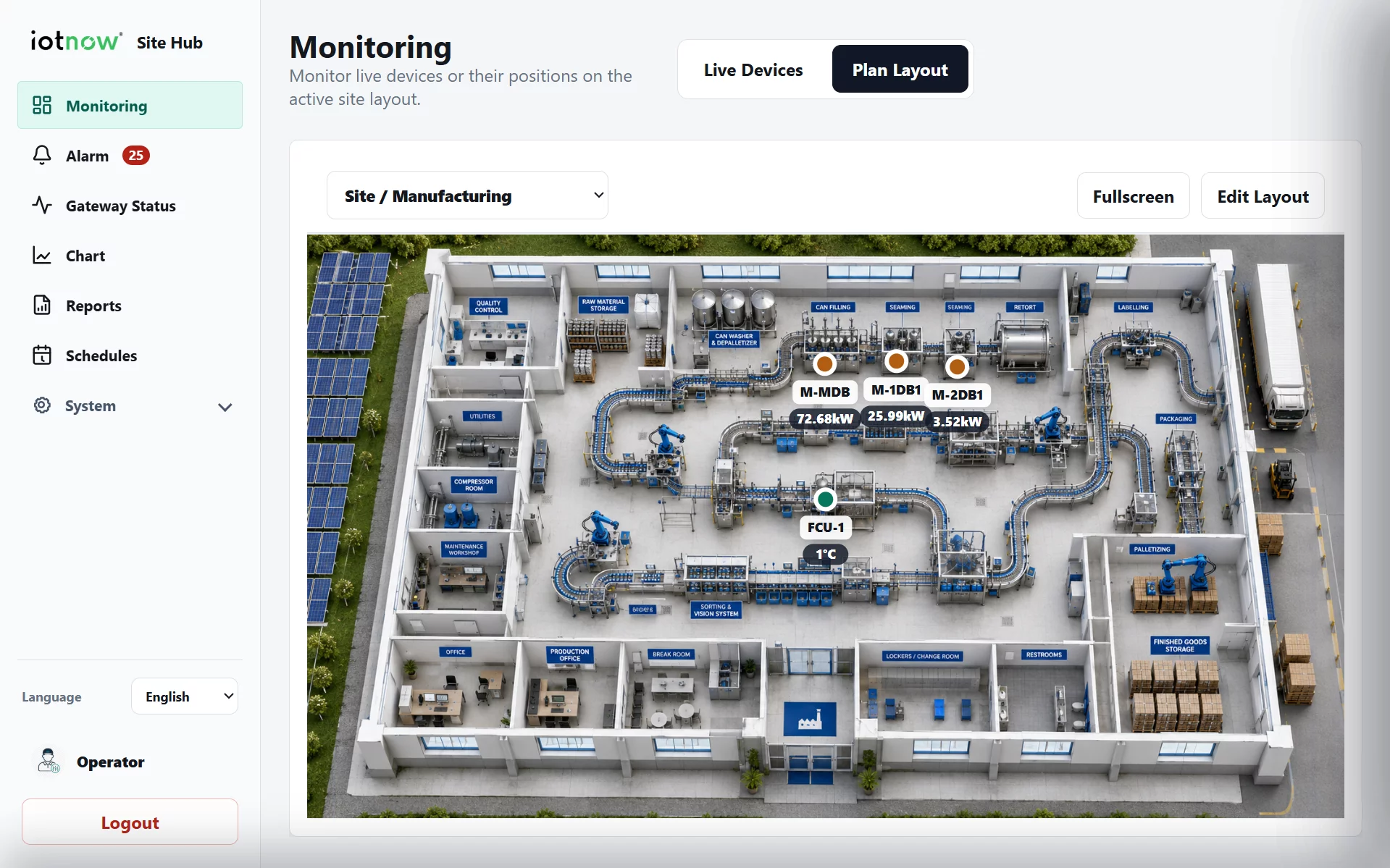
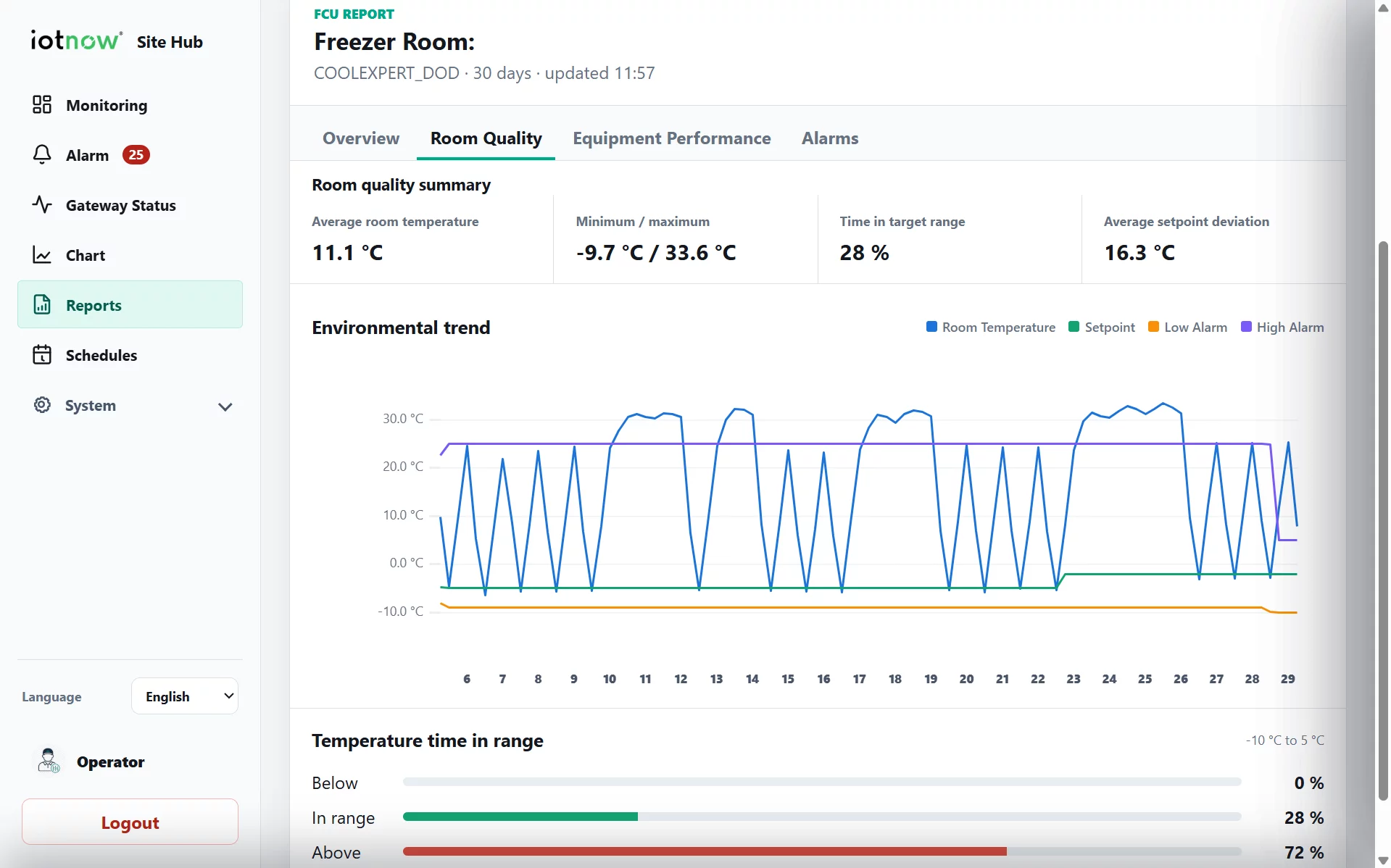
SITEHUB INTERFACE
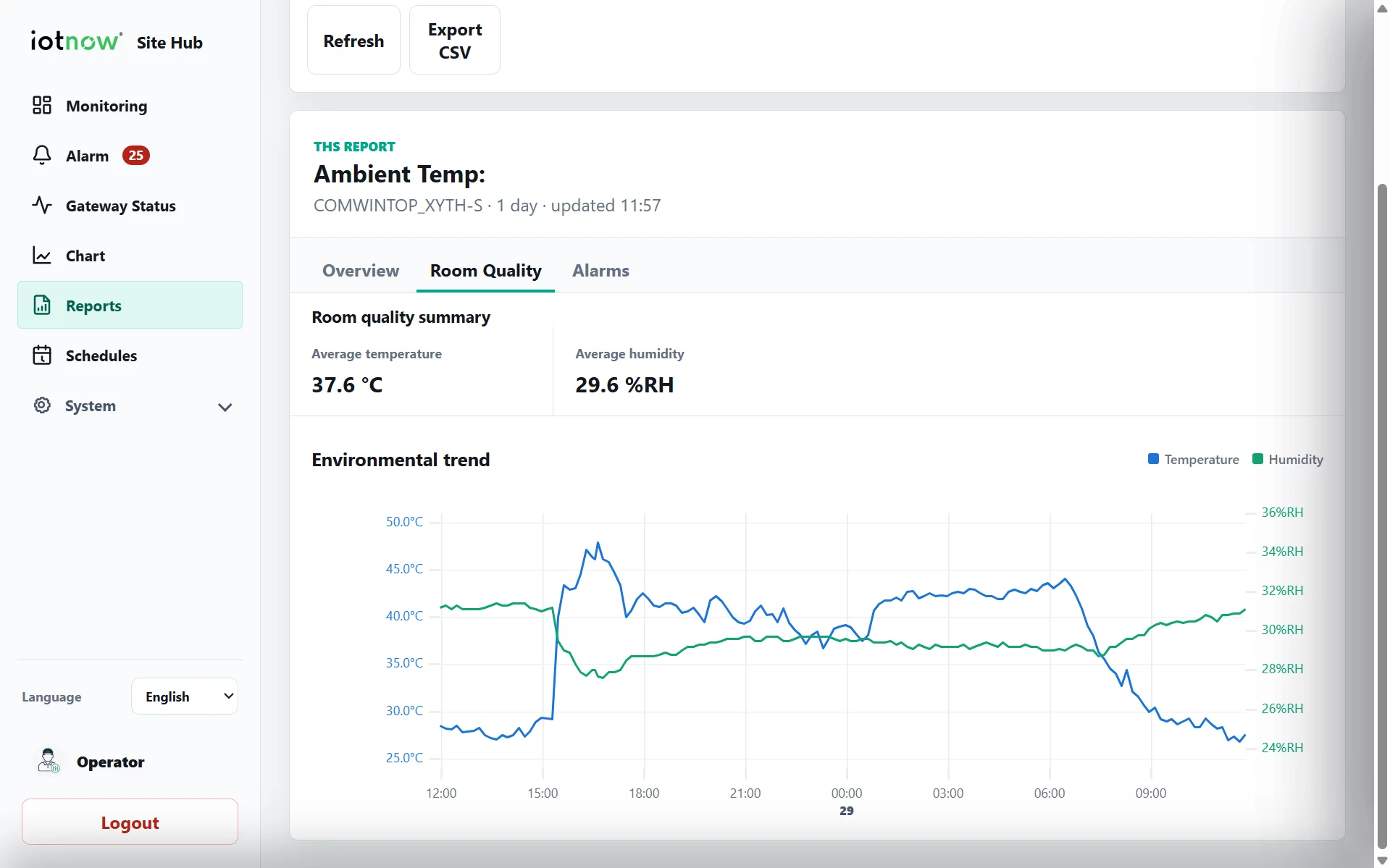
Example screens for monitoring equipment, viewing a site layout and reviewing trends.
IoTNow Sitehub · Example specifications
| Processor | Arm Cortex-A53 · Quad-core 1 GHz |
|---|---|
| Memory | 512 MB LPDDR2 |
| Storage | 8 / 16 GB eMMC, depending on configuration |
| RTC | RTC with supercapacitor backup |
| Digital I/O | 8× DI · 8× DO (NPN) |
|---|---|
| Analog input | 2× 0–10 V · 2× 0–20 mA |
| Serial | 2× RS485 · 1× RS232 |
| USB | 1× USB 2.0 Type-A |
| Ethernet | 1× RJ45 · 10/100 Mbps |
|---|---|
| Wireless (optional) | 2.4 GHz Wi-Fi · Bluetooth 5.0 |
| Cellular (optional) | 4G LTE CAT1 · regional modules and bands |
| Supply | 9–28 V DC |
|---|---|
| Mounting | 35 mm DIN-Rail |
| Operating temperature | −20°C … +60°C |
| Dimensions | 105 × 86 × 42 mm · excluding bracket |
| Weight | Approx. 435 g |
Supply: 9–28 V DC. Other specifications are examples; confirm the hardware configuration for your project with our team.
BEFORE YOU START
Start with the equipment you have and the data your team needs.
IoTNow software can be configured for Modbus RTU/TCP, MQTT/MQTTS, HTTP/REST, BACnet/IP and OPC UA. Our team checks compatibility with your equipment and confirms the protocols included in your project.
BACnet® is a trademark of ASHRAE.The Local Web HMI can be accessed over the local network. The device and local network must remain powered and connected. Cloud access and remote configuration require an internet connection.
Share the device model, communication protocol and the readings you need. Our engineers will check compatibility and define the connection before installation.
Prepare device models or manuals, photos of the control cabinet, the number of data points and the destination system. This helps us define the hardware and software configuration for your site.
START WITH YOUR SITE
Share your device models and project goals. We will help define the connection and a practical pilot.